All apps › Hand Eye Skills Live! · Relax Live! · Visual Effects Live!
Plazma
Plazma is a simple calming and relaxation app for people of ALL ages.
The app opens full screen in a new tab. Press Esc or the X button to leave full screen. Install it on your device to run offline.

How to use
Plazma bubble effects can be influenced by touching or clicking on the screen. Plazma can be controlled by assistive technology switches that interface with your device (probably bluetooth) that produce character codes (1, 2, 3, 4 , Space , Enter) – all produce different changes in effects of the app and control the 4 effects buttons. Plazma also supports the XBox controller or Microsoft Adaptive Controller on many devices. Tapping A. B, X and Y control the app effects.
Access and control
Sensory apps respond to touch and mouse, and most also work with an external keyboard, Bluetooth access switches, the Xbox controller and the Microsoft Adaptive Controller. Read more about switch access.
Also available
Many Sensory apps are also on the app stores, free or low cost: App Store · Google Play · Microsoft Store · Mac App Store.
 3D Snake
 Abstract #1
 Abstract #2
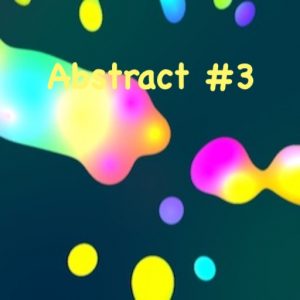 Abstract #3
 Abstract #4
 Abstract #5