All apps › Cause & Effect Live! · Digital Art Live! · Visual Effects Live!
Sensory Goo
Be creative with Sensory Goo using Liquid Fun Bubble drawing. An easy to use app that is accessible and good for early learners exploring touch and motion.
The app opens full screen in a new tab. Press Esc or the X button to leave full screen. Install it on your device to run offline.

How to use
Create layered tanks of goo. Create some unusual looking symmetry. Vary the size of the drawing line, and the speed of the liquid bubbles. 8 different pre-defined modes are;
1. Bubble color changes for each new line draw
2. Bubble color change is on a timer
3. Creations bounce around the tank
4. Fast bubble drawing with a shimmer effect
5. Choose your colors from the palette
6. Choose your colors from the palette and draw with symmetry
7. Choose your colors from the palette and draw with symmetry, fixed shapes, bouncing shapes and flow. Change the flow speed and the line width.
8. Full mode – Choose your colors from the palette and draw with symmetry, fixed shapes, bouncing shapes, flow, full bubbles and eraser. Change the flow speed and the line width.
Sensory Goo contains no adverts, no in-app purchases and does not require end user login.
Access and control
Sensory apps respond to touch and mouse, and most also work with an external keyboard, Bluetooth access switches, the Xbox controller and the Microsoft Adaptive Controller. Read more about switch access.
Also available
Many Sensory apps are also on the app stores, free or low cost: App Store · Google Play · Microsoft Store · Mac App Store.
 Abstract #1
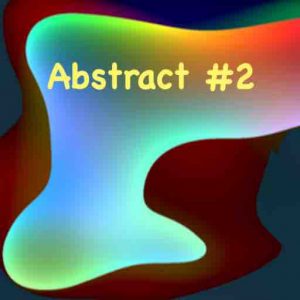 Abstract #2
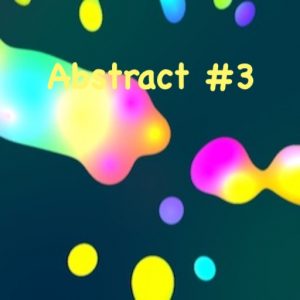 Abstract #3
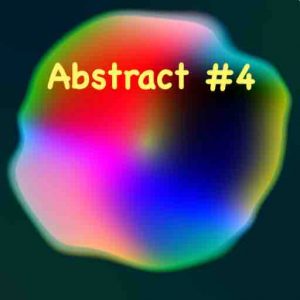 Abstract #4
 Abstract #5
 Abstract #6