All apps › Cause & Effect Live! · Early Learning Live! · Face Control · Hand Eye Skills Live!
Touch Targets
Touch Targets contains different fun animated shapes and characters that appear in random places on screen, to be clicked or tapped.
The app opens full screen in a new tab. Press Esc or the X button to leave full screen. Install it on your device to run offline.

How to use
Choose one of the top row of target groups, then choose the targets you would like to use from the 4 in the second row. The Touch Targets background will open and a character will appear. Click on the character and it will jump around, and play a sound. After 5 touches the character will change. The 3 silver buttons change the size of the characters, change the background or move to the next character in the group.
Touch Targets can be controlled by touch and mouse. It can also be controlled by using an XBox controller or the Microsoft Adaptive Controller with any suitable switch inputs. Keyboard or access switch control (1,2,3,4,5,space,+,-,Enter) also allows the character to move position, change size, change backgrounds and change characters. The app control buttons can be hidden with a keypress 5.
We have created a version of Touch Targets with the addition of Face Control. It is called “Face Targets”. Face Targets will use the built-in web cam, and a special cursor shows. The cursor can be moved around with head movement, and to select a target open your mouth (or press a switch).
Access and control
Sensory apps respond to touch and mouse, and most also work with an external keyboard, Bluetooth access switches, the Xbox controller and the Microsoft Adaptive Controller. Read more about switch access.
Also available
Many Sensory apps are also on the app stores, free or low cost: App Store · Google Play · Microsoft Store · Mac App Store.
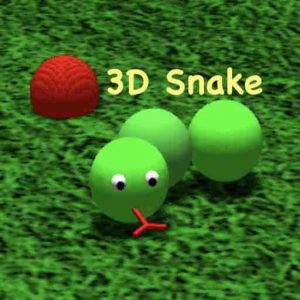 3D Snake
 Alphabet Paint
 AlphaDrop
 Aqua
 Arachne
 Bounce