All apps › Voice & Speech Live!
Voca
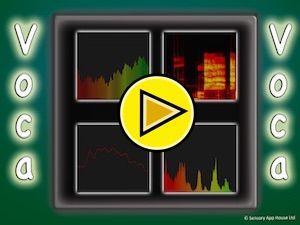
Voca displays the sound coming into the microphone graphically on the screen. Available viewing option are: spectrogram, frequency display, waveform and audio volume history.
The app opens full screen in a new tab. Press Esc or the X button to leave full screen. Install it on your device to run offline.
This app uses your device microphone. Your browser will ask permission the first time. Nothing is recorded or sent anywhere.
How to use
Voca can be used to analyse sound from the device microphone. You can display the sound in one of the 4 modes; spectrogram, frequency display, waveform and audio volume history. The video shows two of the modes being used.
Access and control
Sensory apps respond to touch and mouse, and most also work with an external keyboard, Bluetooth access switches, the Xbox controller and the Microsoft Adaptive Controller. Read more about switch access.
Also available
Many Sensory apps are also on the app stores, free or low cost: App Store · Google Play · Microsoft Store · Mac App Store.
 AlphaDrop
 CineVox
 SpeakAround
 SpeakRoad
 SpeakStick
 SpeakUp